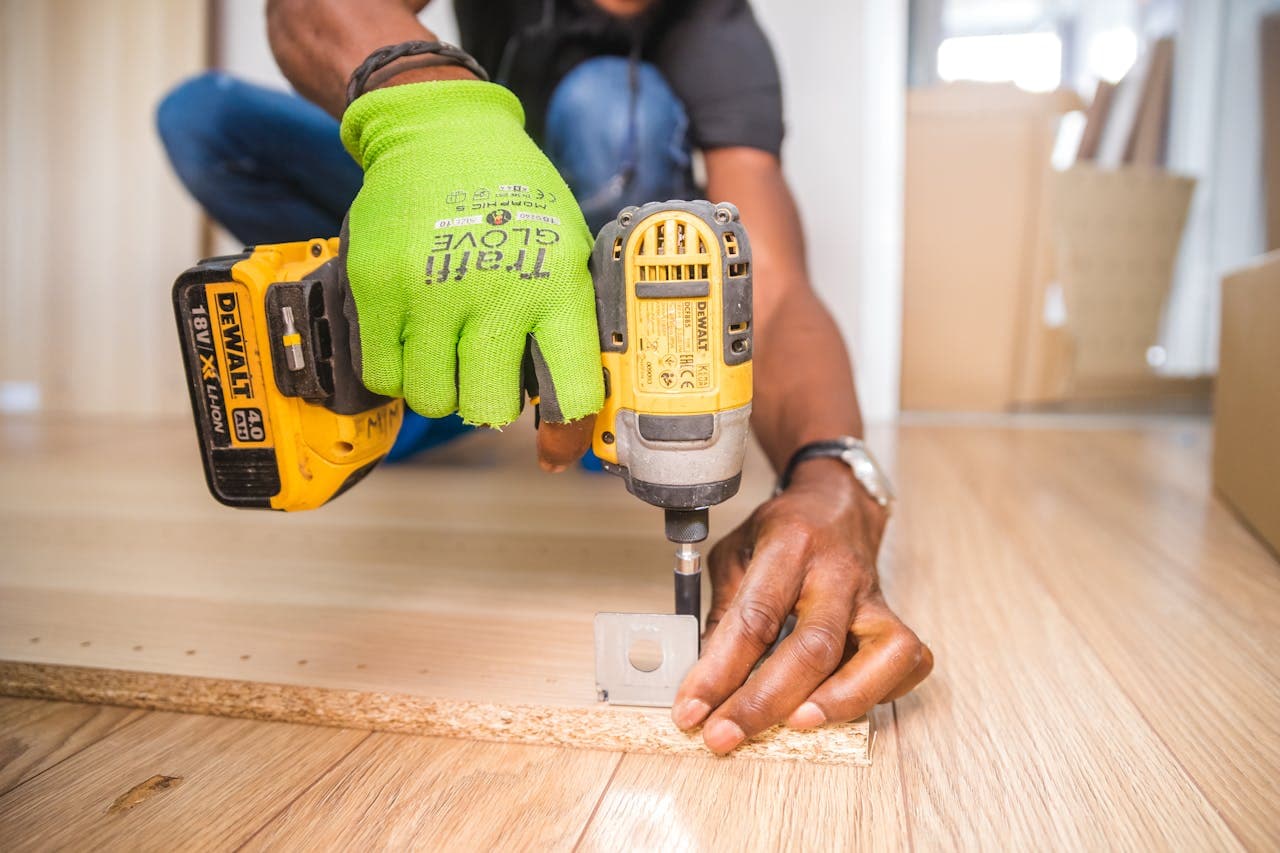
Power tool won't turn on or stalls under load — how to find the fault
Drill or grinder won't start or stalls under load: how to tell a battery, charger and tool fault apart — trigger switch, carbon brushes, armature.

Contents
You squeeze the trigger and nothing happens — or the tool kicks for half a turn and dies the moment the bit bites into concrete. Before you carry it in, spend two minutes working out which of three things is to blame: the tool itself, the battery, or the charger. Very often a "dead hammer drill" turns out to be a flat pack. And the other way around — someone buys a new battery when the fault is sitting in the switch.
This is the field-diagnostic path exactly as we walk it at the bench: first separate the power source (battery or charger) from the tool, and only once the tool is confirmed as the culprit do we isolate the internal fault by its tell-tale symptom — the switch, the carbon brushes, the armature, or the gearbox.
First split: tool, battery, or charger?
Don't latch onto your first guess. The whole diagnosis rests on simple logic — change one variable at a time and watch what changes.
On a cordless tool, grab a second, known-good battery from the same platform (18V LXT, 20V MAX, 18V Bosch Professional) and fit it. If the tool starts with it, the fault was in the battery or charger, not the tool itself. If it still stays silent or stutters with the good battery, the problem is in the tool.
On a corded tool, plug it into a different socket, ideally in another room or even another building. In older Riga apartment blocks with a weak supply and worn sockets the voltage sags, and a powerful grinder simply won't start. If the tool runs from a different socket, the fault was not in the tool.
Swipe to see the full table
Once you're sure the tool itself is the culprit, move on to the switch, carbon-brush and armature sections below.
Cordless tool is silent — rule out the battery and charger first
Before you blame the motor, prove that current is even reaching the tool. On the battery side there are three most common silences.
- The battery is discharged deeper than you think. If the pack sat for a long time in a cold garage or cellar, the cells can drop below minimum voltage, and the BMS (battery management electronics) shuts the output off completely. The charger doesn't even "see" such a pack.
- The BMS protection has tripped. After a heavy load or a short the electronics can lock the output. Sometimes dropping the pack into the charger for a moment helps, sometimes not.
- Dirty or burnt contacts. Baltic humidity and construction dust oxidise contacts; check whether the rails have gone black or melted.
Read the charger light — it tells you which side the fault is on. Makita DC18RC and DC18RD chargers are a good diagnostic instrument: if the indicator blinks red after you insert the pack (rather than glowing steadily), it almost always means a battery-side fault — a bad cell or a tripped BMS — not a charger failure. Steady red = charging, green = full, alternating red-green = temperature protection (wait until the pack warms up or cools down).
To test the charger itself, put a different, known-good pack into it. If that one won't charge either, the fault is in the charger. If it charges normally but your battery blinks red, take the pack in for a rebuild. For more on when a battery can still be saved and when the cells need replacing, read the article on power tool battery repacking.
A separate case is brushless tools: if the tool clicks with a known-good battery but the spindle doesn't turn, the controller or a Hall sensor in the motor is the likely culprit. You won't fix that at home — it's bench work.
Corded tool is silent — cord at the entry, plug, switch and the wall side
On corded tools the most common "dead" cause is mundane and fixable: a break in the cord. Working in cold and damp, the cord flexes repeatedly right at the entry to the housing, and the conductors there gradually fracture.
- The wall side. Plug the tool into a different socket. Check the extension lead — very often the fault is in a cheap extension or its breaker, not the tool.
- The plug. Inspect it: scorch marks, loose terminals and melted plastic point to a poor contact and overheating.
- The cord at the housing entry. Flex the cord at the housing itself and try to switch on, bending it in different directions. If the tool comes alive for a moment, the cord has fractured at the strain-relief sleeve. This is a frequent fault, sped up by damp on Riga job sites.
- The switch. If the cord is sound, the next suspect is the trigger switch (see the next section).
A safe cord and plug replacement can be done by an experienced user who knows how to disconnect and properly tighten the conductors. Everything else under the housing is best left alone while mains is connected.
Trigger switch and speed-control faults
The trigger (or paddle) switch is a wear part: the full motor current passes through it, and the contacts gradually burn. Typical symptoms:
- Won't start at all, even though the battery is good and the contacts are clean — the contact set in the switch has burnt out or oxidised.
- Runs at one speed only or straight at full power — the speed control (the electronics inside the switch) is damaged.
- Runs intermittently — touch or shake the tool and the motor comes alive, then dies. That's the classic symptom of a loose or burnt switch contact.
The switch is replaceable, but it takes opening the housing and the correct spare part — that's already bench work. An intermittent contact is easily confused with a fractured cord, so always rule out the cord and plug before the switch.
Carbon brushes — sparks from the vents, stalling, power coming and going
Brushed (commutator) motors — most corded grinders, hammer drills and many drills — have two carbon brushes that feed current to the spinning commutator. They are a wear part — they wear down and are meant to be replaced. When the brushes are worn to the limit, a tell-tale signature appears:
- Heavy sparking from the vents (a faint spark at the commutator is normal, but a snowstorm in the vents is not).
- Power coming and going, the tool pulling then losing revs.
- Stalling under load — it spins freely with no load, but the moment you put it to work it dies, because the worn brush can no longer pass full current.
On many tools the brushes are user-replaceable — through side hatches or by removing a cap — and that's an honest DIY job if you can source the right brush size and mark their orientation. But take care: if the sparking remains after fitting new brushes, or the tool still stalls under load, the problem is deeper — a fouled or melted commutator, or the armature itself. From there it's no longer a brush question; bring the tool in for diagnostics.
Armature, stator and a burning smell — faults that mean you stop work at once
This is the line where diagnosis ends and safety begins. If you smell burning, see smoke, or the tool turns in jerks, release the trigger immediately and pull the battery or the plug.
- Burnt armature (rotor). The winding overheats and burns out from overload or construction dust drawn into the motor. Signs: a sharp burning smell, jerky running, loss of power, sometimes smoke. The smell of varnish from the vents is a direct warning sign.
- Stator short. The stationary winding can short to the housing or onto itself; the result is similar — smell, heat, a drop in power.
- Gearbox wear. There's no smell here, but there is a grinding noise, crunching and spindle play: the motor turns, yet the bit or disc isn't driven with full force. That's a mechanical fault, not an electrical one.
These are all bench cases. Keep working with a burning armature and you turn a repairable brush or armature swap into full motor failure, while a smoking Li-ion battery is already a fire risk. So at this point there are no home attempts — only stopping and diagnostics.
Symptom → likely cause → what to do
This table ties the signature to the cause and shows where the line runs between a home check and the bench.
Swipe to see the full table
What you can try at home, and what needs the bench
So the line is clear:
You can safely do yourself:
- Test the battery by swapping it and read the charger light.
- Clean the battery and charger contacts (a cotton bud with isopropyl alcohol).
- Check the mains cord in a different socket and flex it at the entry, hunting for a break.
- Replace worn carbon brushes if the model has them accessible from outside and you can source the right size.
Needs the bench (bring the tool in for diagnostics):
- Trigger switch or speed-control replacement.
- Armature or stator replacement — and any burning smell or smoke.
- Gearbox, gear and spindle-bearing repair.
- Brushless motor controllers and Hall sensors.
- Battery rebuild with cell replacement and a BMS check.
Most commutator-motor faults — brushes, switch, armature, gearbox — are repairable, and for professional Makita, Bosch and DeWalt tools, as well as Metabo and Milwaukee, spare parts are available. For exactly what we do and how we diagnose at component level, see the page on power tool repair in Riga; for Makita hammer drills and grinders specifically there is a dedicated Makita service page. We run a fast diagnostic at our service centre and tell you honestly whether the repair is worth it.
Repair path
Where to go next if this fault is repairable
Related SATER service, brand and fault pages help you understand the repair route and get the device into the right diagnostic flow.
Frequently Asked Questions
Need professional repair?
SATER service centre — Silmaču iela 6, Riga
SATER service — home electronics & appliance repair in Riga