How to Extend Your TV's Lifespan — 10 Maintenance Tips
10 practical tips for TV maintenance: brightness settings, ventilation, surge protection, firmware updates, humidity control. For LED, OLED and QLED.
Contents
A modern television is a reliable piece of kit. LED panels are rated for 50,000-100,000 hours of operation, OLED for 30,000-100,000 hours depending on the model. That's decades of typical home use. But theory is one thing; practice is another. Voltage spikes, overheating, incorrect settings, Baltic humidity — all of these shorten the real-world lifespan.
Over 30 years of running our service centre, we've seen thousands of televisions fail well before their rated lifespan. In most cases, the cause was preventable. Here are 10 practical tips to help your TV last longer.
1. Adjust Brightness to Suit Your Room
Factory brightness is typically set to maximum — to catch the eye on the shop floor. At home, that level is unnecessary: it places excessive strain on the backlight (LED) or organic diodes (OLED), accelerating degradation.
What to do:
- For a dark room, set the backlight to 40-60%.
- For a bright room, 60-80%.
- Enable the automatic light sensor (Eco Sensor / Ambient Light Sensor) if your TV has one — it will select the optimal level itself.
- Choose "Cinema" or "Standard" picture mode instead of "Dynamic" — it significantly reduces the load on the panel.
Reducing brightness by 20-30% from maximum can extend backlight life by 1.5-2 times.
2. Ensure Good Ventilation
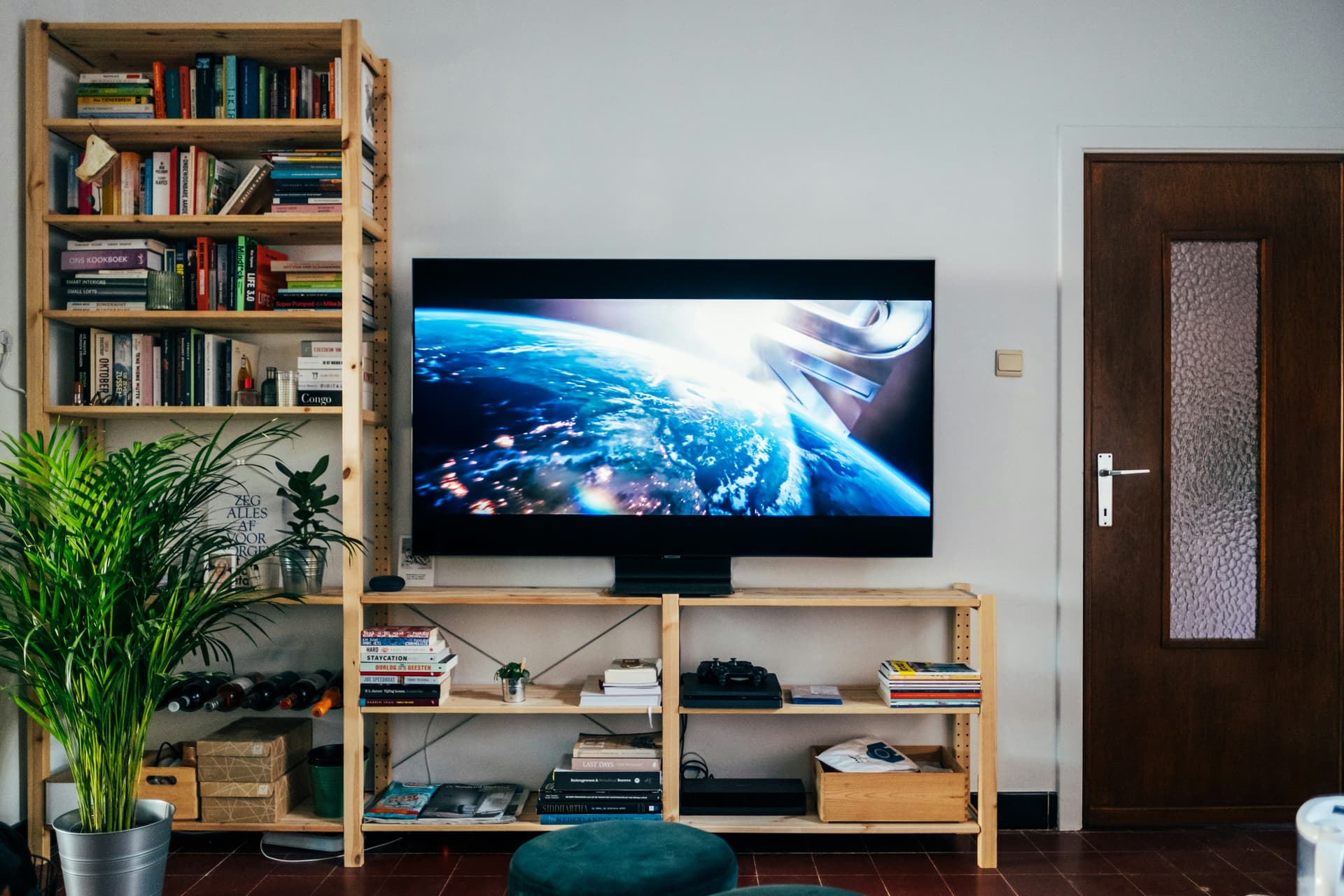
Overheating is one of electronics' greatest enemies. TVs generate heat and need space to dissipate it. This is especially important for large panels (55" and above) and TVs with powerful backlighting.
What to do:
- Leave at least 10 cm of free space above and to the sides of the TV.
- At the rear, at least 5-7 cm from the wall (particularly if the TV is wall-mounted).
- Don't place the TV in enclosed alcoves, cabinets, or shelving units without ventilation.
- Don't cover the TV with fabric or decorative items that block the ventilation openings on the rear panel.
- Periodically wipe the ventilation grilles to remove dust — dust acts as insulation and impedes normal cooling.
3. Use a Surge Protector or Voltage Stabiliser
Voltage spikes are a common cause of power supply and motherboard failure. Mains voltage in Latvia is generally stable, but thunderstorms, line maintenance, and brief outages create surges that can damage sensitive electronics.
What to do:
- Connect the TV through a surge protector — it will absorb short-lived voltage spikes.
- For premium TVs (OLED, large QLED sets), consider a voltage stabiliser — it protects against both undervoltage and overvoltage.
- During a severe thunderstorm, switch the TV off and unplug it from the wall — a surge protector won't help against a direct lightning strike on the power line.
- Don't plug the TV into the same socket as high-power appliances (heater, vacuum cleaner, washing machine) — their switching creates voltage spikes.
4. Keep the Firmware Updated
Firmware updates aren't just about new features. They contain bug fixes, performance optimisations, and improvements that reduce the load on hardware components. Some updates adjust backlight management algorithms, directly affecting panel longevity.
What to do:
- Enable automatic updates in settings (Settings → Support → Software Update → Automatic Update).
- If you've disabled auto-updates, check for updates at least once a month.
- Never switch the TV off during an update — this can corrupt the firmware and render the TV unusable.
5. Clean the Screen Properly
Improper cleaning is a surprisingly common cause of screen damage. Window cleaner, alcohol, paper towels — all of these destroy the anti-reflective coating and cause irreversible harm.
What to do:
- Use only a dry microfibre cloth for regular dust removal.
- For marks, use a microfibre lightly dampened with distilled water or a dedicated screen spray.
- Never spray liquid directly on the screen.
- Don't use alcohol, acetone, window cleaner, or paper towels.
- For more detail, read our article on proper screen cleaning.
6. Avoid Static Images (Especially on OLED)
For OLED TVs, prolonged display of static elements is the primary threat. Channel logos, gaming HUDs, stock tickers, taskbars — all of these can cause "burn-in," where a ghost image permanently remains on screen.
What to do:
- Don't leave an OLED TV paused on a bright image for extended periods.
- Vary your content — don't watch the same channel with a bright logo for 8-10 hours straight.
- Enable Pixel Shift (LG) or Pixel Refresh — it imperceptibly shifts the image by a few pixels, preventing burn-in.
- Use a screen saver — it activates automatically during periods of inactivity.
- For LED/QLED TVs, burn-in is far less of a concern, but prolonged display of static content is still inadvisable — it can cause temporary image retention.
7. Switch the TV Off Properly
"Can you do it wrongly?" — yes. Here's what to avoid:
Don't yank the plug from the wall. The TV uses standby mode to complete internal processes, update software, and cool down. Abrupt disconnection can corrupt the Smart TV's file system, cause settings loss, or in the worst case, damage the memory module.
Use the remote to switch off. Pressing the power button on the remote puts the TV into standby, which is its normal rest state. Modern TVs in standby consume less than 0.5 W — a negligible amount per year.
Unplug fully if you're going away. If you're leaving home for a week or more, switch the TV off with the remote and then unplug it. This protects against voltage spikes during your absence.
8. Control Humidity
The Baltic climate means high humidity for much of the year. Moisture is the enemy of electronics: it causes contact corrosion, PCB oxidation, and component failure.
What to do:
- Optimal indoor humidity is 40-60%. If your flat regularly exceeds 70%, use a dehumidifier.
- Don't place the TV in a bathroom, an unheated porch, or next to an open window through which rain can enter.
- Avoid rapid temperature changes. If you've transported the TV from a cold environment into a warm room, allow 2-3 hours for the temperature to equalise before switching on. Condensation on cold PCBs when power is applied can cause a short circuit.
- In winter, with the heating running, indoor air becomes excessively dry. This creates static electricity that attracts dust and can damage sensitive components. A humidifier solves both problems.
9. Don't Leave the TV Running All Day
Some people use the TV as background noise — it runs all day even when nobody's watching. This significantly reduces the lifespan of the backlight and panel.
What to do:
- Switch the TV on when you're actually watching. For background noise, use a radio or a smart speaker instead.
- Set up an auto-off timer — if the TV detects no activity (no remote presses) for 2-4 hours, it switches off automatically. This feature is available on Samsung, LG, Sony, and Philips TVs.
- For OLED TVs, ideally limit daily operation to 8-10 hours. This isn't a strict rule, but extended operation causes the organic diodes to degrade more quickly.
10. Position the TV Correctly
The physical placement of your TV affects its longevity more than you might think:
Avoid direct sunlight. Sunlight heats the screen and casing, accelerates panel degradation (especially OLED), and bleaches the coating. If a window faces the TV, use curtains or blinds.
Don't place it near heat sources. Radiators, fireplaces, portable heaters — all create constant warmth that compounds the TV's own heat output.
Ensure the mount is secure. If the TV is on a wall bracket, check that the bracket is rated for your TV's weight and fixed to a load-bearing wall (not plasterboard without specialist fixings). A falling TV is a guaranteed write-off.
Keep away from children and pets. Screens are fragile. A toy or ball impact, a knocked-over glass, a cat on the TV — these are all real reasons people visit our service centre.
Bonus: What to Consider When Buying
If you're planning a new TV purchase, a few pointers that affect longevity:
- Choose established brands. Samsung, LG, Sony, and Philips have extensive service networks and spare parts remain available for years. For lesser-known brands, sourcing parts after 3-5 years can be problematic.
- Don't skimp on the power supply. Cheap TVs often have weak power supplies that are the first component to fail. This primarily applies to budget models from lesser-known manufacturers.
- Check the warranty. The standard warranty in Latvia is 2 years. Some brands offer an extended panel warranty (for example, LG provides 2 years of OLED panel burn-in coverage).
When to Visit a Service Centre
Even with perfect care, electronics wear out over time. Here are signs it's time to bring your TV to us:
- Dark or light patches have appeared on the screen.
- The picture flickers, jitters, or shows colour artefacts.
- The TV switches on or off by itself.
- Sound cuts out, distorts, or there are unusual noises.
- The TV won't turn on or freezes on the boot screen.
- The remote has stopped working (and replacing the batteries didn't help).
We repair Samsung, LG, Sony, Philips, Hisense, TCL, and other brands of television. If the TV shows dark zones, flicker, power cycling, distorted sound, or repeated Smart TV failures, diagnosis can catch the problem before it damages more expensive parts.
Repair path
Where to go next if this fault is repairable
Related SATER service, brand and fault pages help you understand the repair route and get the device into the right diagnostic flow.
Frequently Asked Questions
Need professional repair?
SATER service centre — Silmaču iela 6, Riga
SATER service — home electronics & appliance repair in Riga