How to Maintain Vintage Audio Equipment
Servicing vintage amplifiers, receivers and turntables: recapping, potentiometer cleaning, belts, valve amp care. Vintage audio repair in Riga — SATER.
Contents
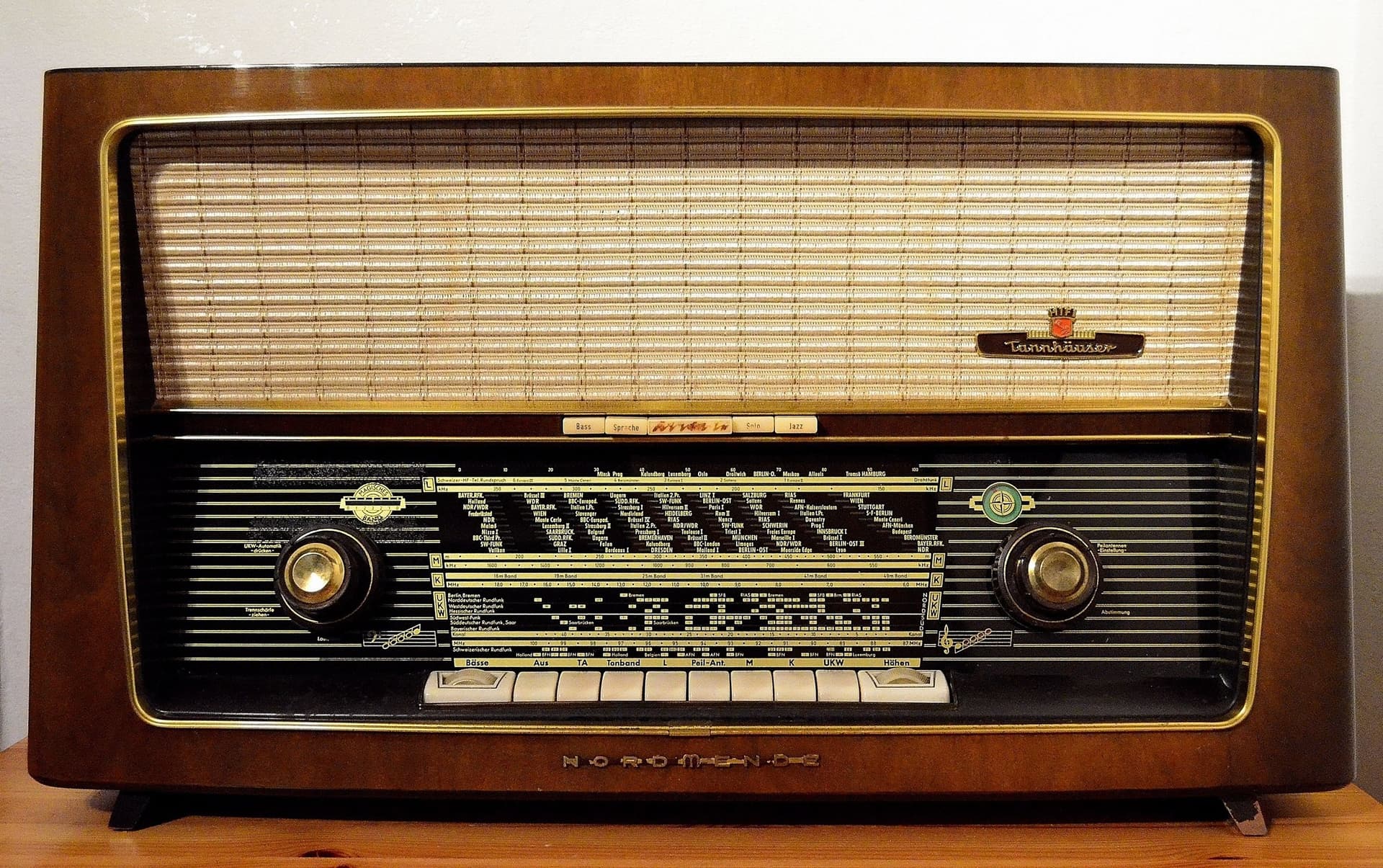
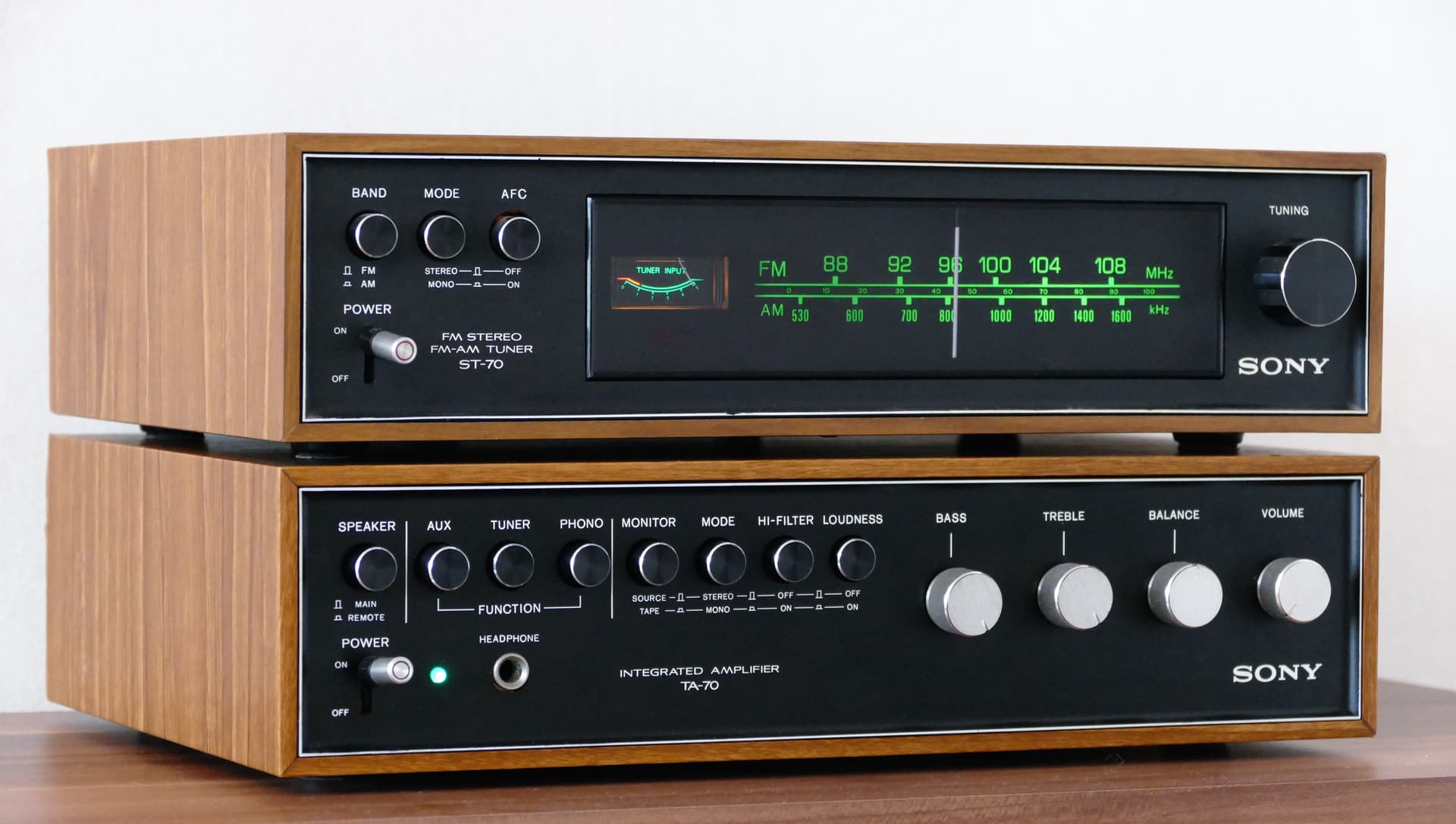
Vintage audio equipment is more than sound — it's history, aesthetics, and engineering artistry. Soviet Brig-001 and Radiotehnika units, Japanese Technics, Pioneer, and Sansui from the 1970s–80s, European NAD, Quad, and Tandberg — all are capable of sounding superb after 30–50 years. But only with proper maintenance.
Electronics age. Electrolytic capacitors dry out, potentiometers oxidise, belts stretch, thermal compound dries, solder joints crack. Without periodic servicing, even the finest equipment gradually degrades.
Vintage audio needs slow, careful maintenance. Old receivers, amplifiers, cassette decks, and turntables often fail from dried capacitors, oxidised switches, worn belts, weak solder joints, and incorrect storage.
Step 1: Electrolytic Capacitors — When a Recap Is Needed
A recap (recapping) means replacing all electrolytic capacitors in a piece of equipment. It's the single most important maintenance procedure for any electronics over 15–20 years old.
Why Capacitors Age
An electrolytic capacitor contains liquid electrolyte. Over the years, this electrolyte evaporates through the seals. Capacitance drops, ESR (equivalent series resistance) rises, and the capacitor ceases to function properly.
Signs of Degradation
- 50/100 Hz hum — power supply capacitors no longer filter ripple.
- Bass loss — coupling capacitors between stages lose capacitance and begin to roll off low frequencies.
- Swelling — visible bulging of the capacitor's top (the scored cross opens up).
- Electrolyte leakage — brown residue on the PCB around the capacitor.
- Thump at power-on — DC voltage reaches the output through a leaky coupling capacitor.
Choosing Replacement Capacitors
Use quality brands: Nichicon, Nippon Chemi-Con, Panasonic, ELNA, Rubicon. For audio signal paths — ELNA Silmic II, Nichicon KZ/KW Muse, Panasonic FC/FM. For power supplies — Nichicon KG Gold Tune, Panasonic FC.
Step 2: Cleaning Potentiometers and Switches
Oxidised potentiometers (volume, balance, tone controls) and switches (input, filter, mode selectors) are the second most common issue after capacitors.
Symptoms
- Crackling and scratching when turning the volume knob
- Sound drops out at certain control positions
- Clicks when switching inputs
What to Use
DeoxIT D5 — the industry standard. Dissolves oxides, leaves a protective film, restores conductivity.
Procedure:
- Remove the knob.
- Find the gap between pot housing and shaft.
- Spray a small amount of DeoxIT inside (one drop from the aerosol).
- Rotate the pot 20–30 times from stop to stop.
- Wait 5 minutes, rotate again.
Important: Don't use WD-40, petrol, acetone, or other aggressive solvents. WD-40 leaves an oily film that attracts dust and worsens the problem.
Step 3: Belt Replacement
Cassette decks, turntables, and CD players use rubber belts to transfer rotation from the motor to the mechanism. Rubber ages: the belt stretches, becomes tacky, or hardens and cracks.
Replace preventively every 5–7 years.
Step 4: Valve Equipment — Special Considerations
Valve Life
Output valves (EL34, KT88, 6L6, 6V6, 6550): 2,000–5,000 hours. Preamp valves (12AX7, 12AT7): 5,000–10,000 hours. Signs of wear: loss of dynamics, muddy sound, microphonic effect (tap the valve, hear it through the speakers).
Valve Amplifier Bias
Output valves require correct bias. When replacing valves, bias must be readjusted.
High-Voltage Safety
Valve amplifiers operate at 300–500 V. Filter capacitors can retain lethal charge even after switch-off. Valve equipment must absolutely not be serviced without experience and safety knowledge.
Step 5: Speaker Surrounds
If you own vintage loudspeakers, check the driver surrounds — the flexible ring between the cone and the frame (basket).
- Foam: used in most 1970s–1990s drivers. Degrades in 15–25 years — crumbles to powder.
- Rubber: more durable, 30–50+ years.
- Cloth: virtually eternal but less compliant.
Surrounds can be replaced — it's a standard procedure with kits available for common sizes.
Step 6: Cleaning Connectors and Terminals
RCA connectors, speaker terminals, DIN connectors — all oxidise over time. Clean with DeoxIT D5 or isopropyl alcohol annually.
Step 7: Storage and Operating Conditions
- Store in a dry room at 15–25°C
- Avoid sharp temperature changes (condensation!)
- Humidity: 40–60%
- Vacuum ventilation openings periodically
Powering Up After Long Storage
If equipment hasn't been switched on for 5–10 years, don't plug it straight into the mains. Capacitors that have been without voltage for years may have lost their "forming" — sudden full-voltage application can cause failure. Ideally, raise the voltage gradually using a variac (variable transformer) — from 50 V to 230 V over the course of an hour.
Vintage Equipment Service at SATER
The SATER service centre specialises in audio equipment repair and servicing: full recaps, DeoxIT cleaning, belt replacement, bias adjustment, output transistor and valve replacement, speaker surround replacement, power supply repair, turntable restoration.
For valuable vintage units, the safest approach is staged diagnosis: power supply first, then protection circuits, controls, signal path, and finally calibration.
Repair path
Where to go next if this fault is repairable
Related SATER service, brand and fault pages help you understand the repair route and get the device into the right diagnostic flow.
Frequently Asked Questions
Need professional repair?
SATER service centre — Silmaču iela 6, Riga
SATER service — home electronics & appliance repair in Riga