Getting Your Electronics Summer-Ready — Heat Protection Tips
How to protect electronics in summer: TV overheating, ventilation, air conditioning condensation, battery storage, UV damage to screens. Tips from Riga.
Contents
Riga summers can spring surprises: temperatures rise to +30-33°C, the sun shines for 17-18 hours a day, and in flats without air conditioning, indoor temperatures easily reach +35°C. For electronics, this is a serious test.
Overheating is the second most common cause of electronics failure after power supply problems. And ultraviolet radiation, which many people never consider, slowly but surely damages screens and plastic housings. At the SATER service centre, every summer brings a wave of cases: overheated televisions, swollen batteries, and burnt-in pixels on OLED panels.
This article is a practical guide to protecting your equipment from summer's challenges.
How Heat Damages Electronics
Temperature Limits
Every electronic component has a permissible temperature range. For consumer electronics, this is typically:
- Operating temperature: 0-40°C (stated in specifications)
- Storage temperature: -20°C to +60°C
- Critical temperature: above 50-60°C, accelerated degradation begins
The problem is that temperature inside a device is always higher than ambient. A TV operating in a room at +30°C heats internally to +45-55°C. If it's positioned by a window in direct sunlight, internal temperature can reach +60-70°C.
What Happens During Overheating
- Capacitors — accelerated electrolyte degradation. For every 10°C above normal, capacitor lifespan halves (Arrhenius' rule).
- Processors and ICs — thermal throttling and accelerated electromigration.
- LED backlight — overheating accelerates LED degradation.
- Batteries — lithium-ion cells irreversibly degrade above 45°C.
Televisions: Placement and Ventilation
Where NOT to Place Your TV
- Opposite a south-facing window — direct sunlight heats the rear panel and screen.
- In a niche without ventilation — a TV built into a wall unit overheats even faster.
- On or near a windowsill — even if sunlight doesn't hit the screen directly, infrared radiation through glass heats the device.
Ensuring Adequate Ventilation
- At least 10 cm from the wall to the TV's rear panel (in summer, 15 cm is preferable).
- Don't block ventilation openings with curtains, shelves, or decor.
- Use a USB fan — a small fan (€5-10) directed at the rear panel can reduce temperature by 5-10°C.
UV and Screens
UV radiation damages TV screens:
- OLED panels — UV accelerates degradation of organic LEDs. Direct sunlight on an OLED screen leads to uneven burn-in.
- LED/LCD — UV damages polarising films and anti-glare coatings. Over time, the screen yellows.
- Plastic housings — UV causes yellowing and brittleness.
Solution: use curtains or blinds to block direct sunlight.
Air Conditioning and Electronics: The Hidden Threat
Air conditioning saves people from heat but can harm electronics. The issue is condensation.
When the AC runs, the room is cool (+22-24°C) and dry. When it switches off (overnight, when you leave), temperature returns to +28-30°C and humidity spikes. This cycle creates condensation on cold surfaces inside electronics — just like a cold glass of water mists up on a warm day.
Minimising the Problem
- Don't aim the AC airflow directly at electronics.
- Use "comfort" or "sleep" mode — they maintain more stable temperatures.
- Don't switch the AC off completely overnight — better to set it at +26-27°C than let the room heat to +32°C.
- Position electronics at least 2 metres from the indoor AC unit.
Robot Vacuums and Heat
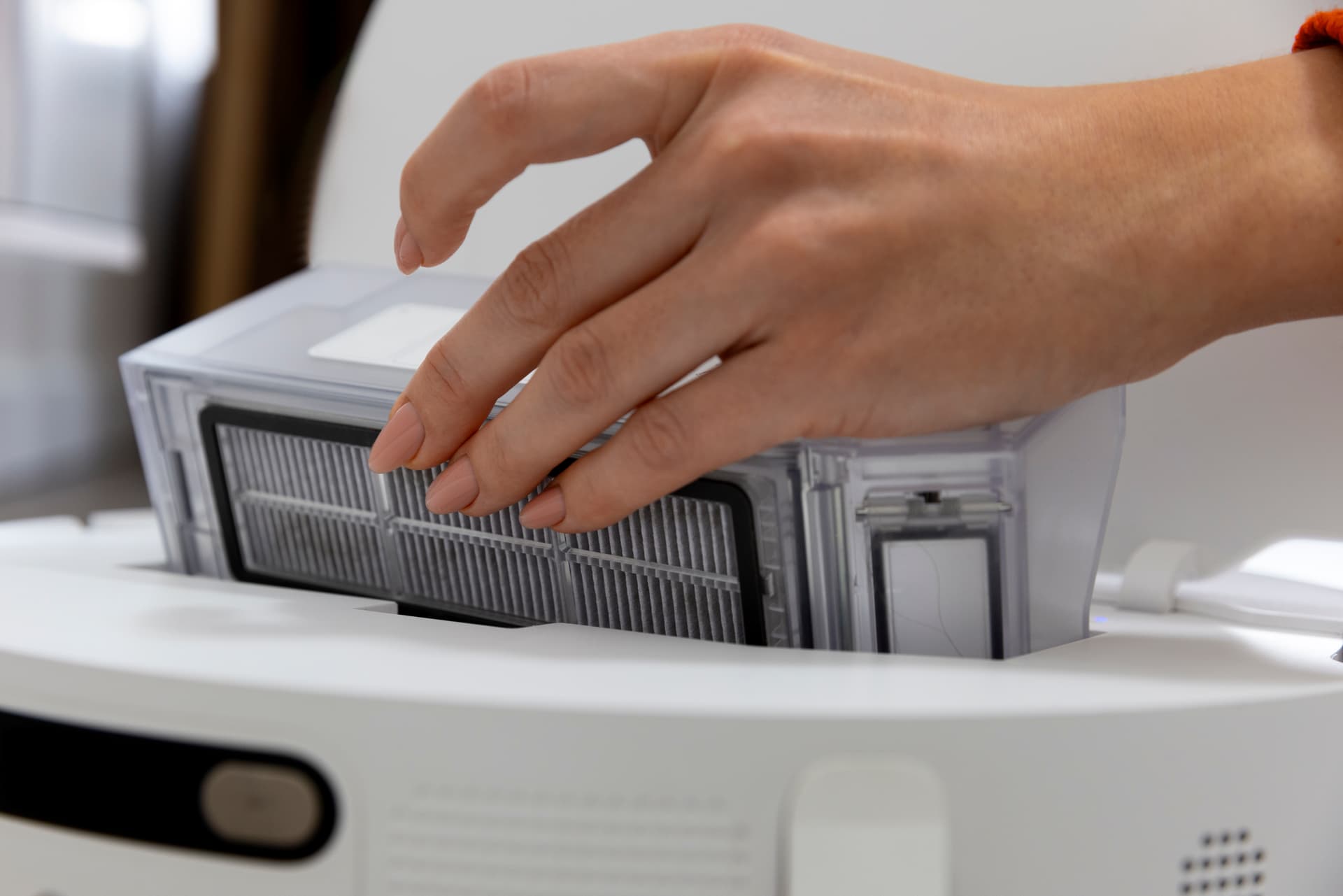
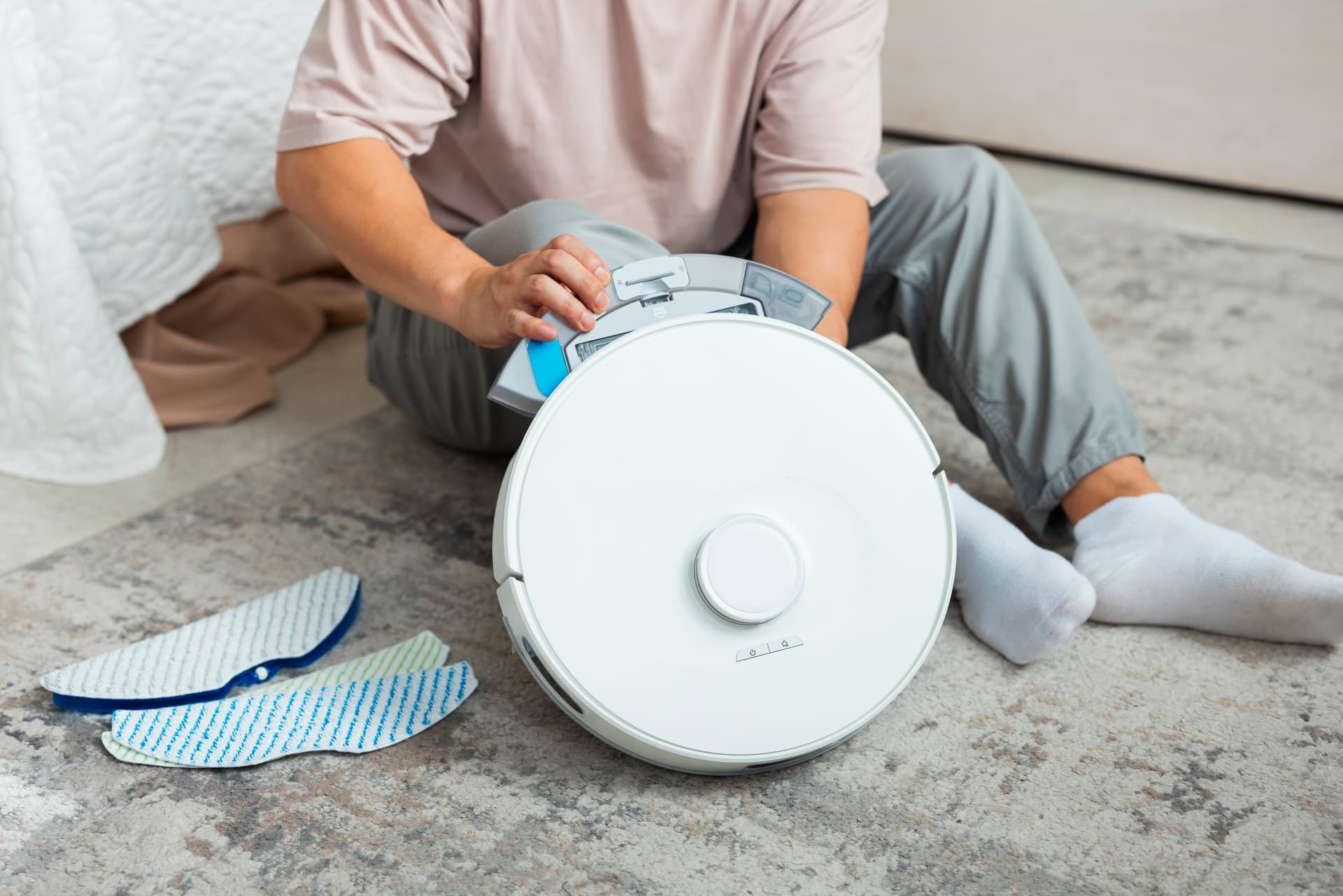
- Move the dock to a cooler spot, away from windows and direct sunlight.
- Run cleaning sessions in the morning (before 10:00) or evening (after 18:00) when the flat is cooler.
- If you're not using the robot (going on holiday), remove it from the dock and charge to 50-60%. Don't leave it on the dock in an empty, hot flat for 2-3 weeks.
Batteries: Temperature Is the Chief Enemy
Lithium-ion batteries are especially sensitive to heat. The rule is simple: the warmer the environment, the faster the degradation.
Temperature Guidelines
- Ideal storage temperature: +15-25°C
- Acceptable: up to +35°C
- Dangerous: above +40°C — accelerated capacity loss
- Critical: above +50°C — risk of swelling and damage
What to Do
- Don't leave power tools in the car. In summer, a closed car in sunlight reaches 60-80°C inside. A drill battery left in the boot can swell, degrade, or even catch fire.
- Don't charge in sunlight. Charging already heats the battery — add direct sun and you may exceed safe limits.
- Store at room temperature. Battery packs for power tools and spare batteries should be kept indoors, away from windows.
- Storage charge level: 40-60%. Don't store at 100% or completely flat.
Power Tools: Summer Work
Summer is the busiest season for power tools — garden work, renovations, building projects. A few rules for working in the heat:
- Take breaks. Above +28°C, let the tool cool every 15-20 minutes of continuous use.
- Work in shade where possible.
- Monitor the battery. If it's hot to the touch after use, let it cool to room temperature before charging.
- Check ventilation. Sawdust, shavings, and dust block cooling — blow the tool out after each working day.
Quick-Reference Checklist
Swipe to see the full table
Repair path
Where to go next if this fault is repairable
Related SATER service, brand and fault pages help you understand the repair route and get the device into the right diagnostic flow.
Frequently Asked Questions
Need professional repair?
SATER service centre — Silmaču iela 6, Riga
SATER service — home electronics & appliance repair in Riga