Pre-Winter Electronics Check — Preparing for the Heating Season
How to prepare electronics for winter: static electricity, dry air from central heating, battery storage in cold, surge protectors and condensation tips.

Simon Berger / Pexels
Contents
In Riga, the heating season typically starts in October and lasts until April — nearly half the year. Central heating saves us from the cold, but it creates a hostile environment for electronics: indoor humidity drops to 15-25%, static electricity crackles with every touch, and the temperature difference between outdoors and indoors can reach 40-50°C.
At the SATER service centre, every winter brings a characteristic wave of cases: televisions with lines across the screen, robot vacuums with navigation errors, and power tools with "dead" batteries left in the garage. This article is a practical guide to help you prepare your equipment for the heating season and avoid typical winter breakdowns.
The Main Winter Enemy — Dry Air from Central Heating
Why Dry Air Is Dangerous for Electronics
Central heating in Riga's buildings warms the air to +22-24°C, but relative humidity drops catastrophically — from a comfortable 40-60% to 15-25%. That's lower than the Sahara Desert (average humidity around 25%).
Dry air creates two problems:
Static electricity. Below 30% humidity, static charges accumulate on synthetic clothing, carpets, furniture, and the human body. A discharge when touching an electronic device can reach 10,000-25,000 volts. Yes, that's microamps — harmless to humans, but sufficient to damage sensitive electronic components.
Particularly vulnerable are:
- MOSFET transistors in power supplies — breakdown threshold from just 20 volts
- Memory chips — static can damage cells
- Touch screens — discharge through a finger can damage the touchscreen controller
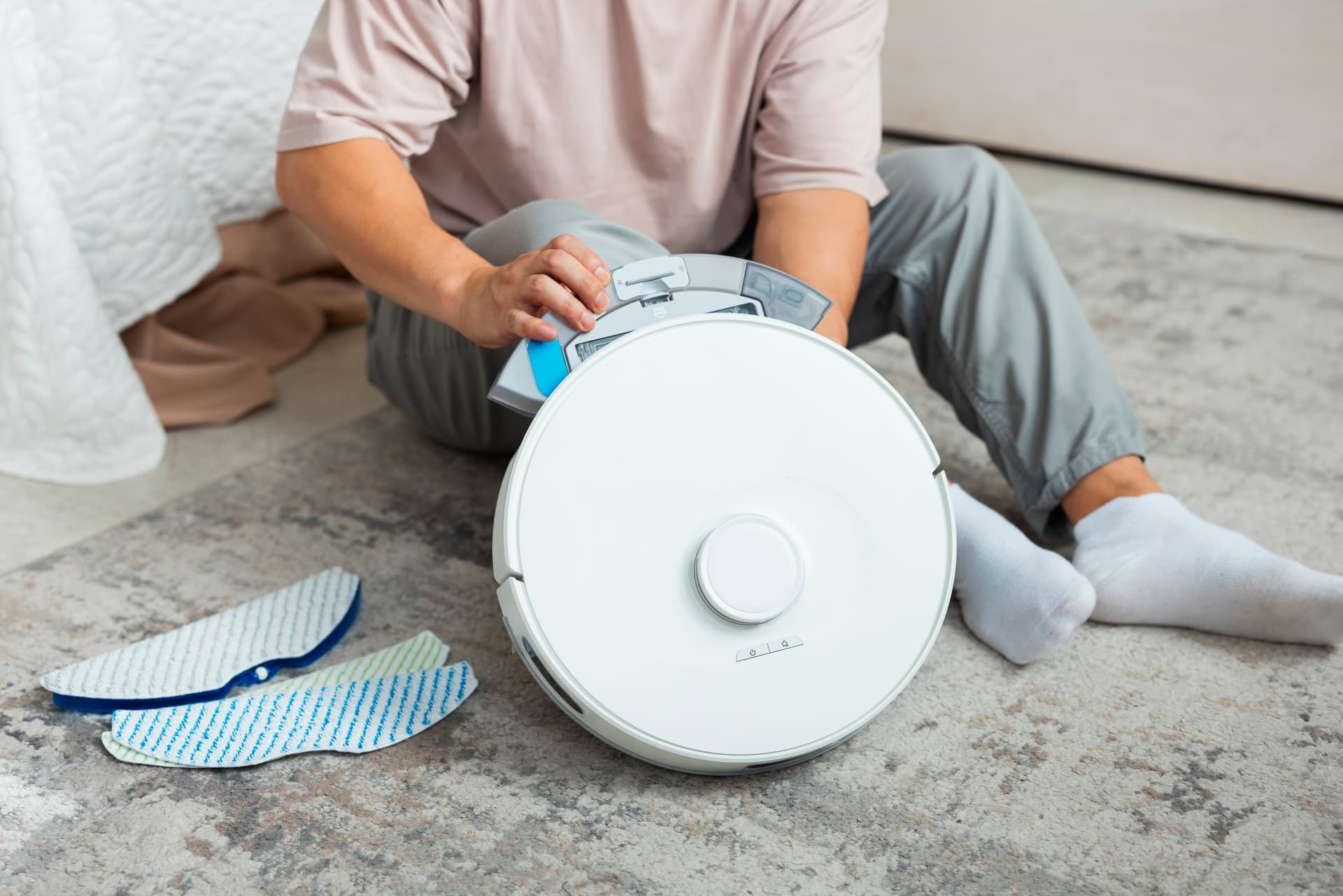
- Robot vacuum sensors — LiDAR and cameras are sensitive to electrostatic discharge
Drying and cracking. Rubber seals, silicone gaskets, and plastic parts lose elasticity in prolonged dry air. Robot vacuum brushes and dustbin seals dry out. In audio equipment — speaker surrounds and passive radiator suspensions.
The Solution: Humidification
Maintain humidity between 40-55%:
- Hygrometer (€5-15) — hang one in the room with your main electronics. Without measurement, you won't know the actual humidity.
- Humidifier — ultrasonic (€20-60) or steam. Place at least 1.5 metres from electronics — microdroplets from an ultrasonic humidifier can settle on surfaces.
- Wet towels on radiators — free but less effective.
- Houseplants — a natural source of moisture in the air.
Important: don't overdo it. Humidity above 60% brings the risk of corrosion and condensation. The 40-55% balance is optimal for both people and equipment.
Television and the Radiator
The Classic Riga Flat Problem
In typical Latvian flats (Series 103, 104, 119 and Khrushchyovkas), radiators sit beneath windows, and the TV often hangs on the wall above them or stands on a cabinet nearby. This is one of the most common causes of premature TV failure.
A central heating radiator reaches +60-80°C. Hot air rises directly onto the TV's rear panel. The back panel temperature can reach +45-55°C, and inside the housing +60-70°C. With a maximum operating temperature of +40°C, this means critical overheating.
Consequences
- Accelerated capacitor degradation — swelling, capacitance loss, power supply failure
- LED backlight overheating — dark spots, uneven brightness
- Plastic part deformation — especially on budget models
- Smart TV processor overheating — freezing, slowdowns, spontaneous reboots
What to Do
- At least 20 cm gap between the radiator and the TV's bottom edge. Ideally 30 cm.
- Radiator reflector — foil-backed insulation behind the radiator directs heat into the room rather than at the wall and TV.
- Don't box in the radiator with a decorative cover if the TV hangs above it — the cover creates a heat trap.
- Check ventilation — the TV's rear panel should be at least 10-15 cm from the wall.
Batteries in the Cold: How Not to Kill Your Battery
Lithium-Ion Batteries and Frost
Lithium-ion batteries, found in virtually all modern electronics — from robot vacuums to power tools — cope poorly with cold. Below 0°C:
- Internal resistance rises sharply — capacity drops by 20-40%
- Charging below freezing causes lithium plating (dendrite formation) on the anode. This is irreversible damage that reduces capacity and is potentially dangerous.
- Deep discharge in frost can "kill" the battery permanently — cell voltage drops below the critical threshold (2.5V), after which the BMS locks the battery.
Winter Storage Rules
- Power tools. Don't leave them in an unheated garage or on a balcony. Bring the batteries indoors, store at +10-25°C, charged to 40-60%.
- Robot vacuum. If not using over winter (e.g. at a summer house) — remove the battery, charge to 50%, store separately at room temperature. Check charge every 2-3 months.
- Drills, angle grinders, saws. If working in frost — let the battery warm to room temperature before charging. Charging "straight from the cold" is a direct path to degradation.
At the SATER service centre, we regularly see batteries "killed" by a single winter in the garage. Battery pack replacement costs 30-50% of a new tool's price. It's simpler to bring the batteries indoors.
Surge Protectors and Power Protection
Winter Storms and the Electricity Grid
Baltic winter storms are a real threat to electronics. Strong winds, iced-over power lines, trees falling on cables — all of this causes momentary surges and dips. A single serious surge can destroy the power supply of a TV, router, or audio system.
What to Check Before Winter
- Surge protector. If you don't have one — buy one. If you do — check its condition. Cheap "surge protectors" for €5-10 are often just extension leads with a switch. A proper surge protector contains a varistor (MOV) that absorbs voltage spikes. The problem: varistors degrade with each spike. After 3-5 years, one may be completely "dead" whilst the protection indicator still glows.
- Replace the protector if it's more than 5 years old or has survived a serious surge.
- Unplug equipment during storms — the best protection. Physically pull the plug from the socket.
Condensation from Temperature Changes
Where Condensation Comes from in Winter
When you bring an electronic device from the cold (say -15°C) into a warm flat (+22°C), the temperature difference is 37°C. Warm, moist indoor air contacts the device's cold surfaces, and moisture condenses — exactly like on a cold glass of water in summer.
Condensation inside electronics means:
- Short circuits on printed circuit boards
- Corrosion of contacts and connectors
- Damage to electrolytic capacitors
Acclimatisation Rules
- Don't switch the device on immediately after bringing it in from the cold. Allow it to warm to room temperature — at least 2-3 hours.
- Leave it in its packaging (if available) — packaging slows warming, allowing moisture to evaporate gradually.
- Place a silica gel packet nearby to absorb excess moisture.
- Don't place near a radiator for "rapid warming" — the sharp temperature change only worsens condensation.
Power Tool Winter Storage
If you're not using power tools over winter, proper storage extends their life:
- Clean off dust and shavings — blow out ventilation openings, wipe down the housing.
- Lubricate moving parts — drill chuck, jigsaw mechanism (use silicone or lithium grease, not WD-40).
- Check motor brushes — if worn, replace before next season.
- Batteries separately — store at +10-25°C, charged to 40-60%.
Winter Preparation Checklist
Swipe to see the full table
Repair path
Where to go next if this fault is repairable
Related SATER service, brand and fault pages help you understand the repair route and get the device into the right diagnostic flow.
Frequently Asked Questions
Need professional repair?
SATER service centre — Silmaču iela 6, Riga
SATER service — home electronics & appliance repair in Riga