Water-Damaged Device — Can It Still Be Saved
Spilled liquid on a device: what to do in the first minutes, why rice and heat hurt, what survives, and why corrosion is the real enemy.
Contents
A glass tips over onto a device, the neighbours upstairs leak through the ceiling, a tablet drops into a sink or bath — and the first instinct is always the same: switch it on to check whether it still works. That single step is what most often turns a salvageable device into scrap. The second most popular self-defeating move is to bury it in a bag of rice and hope it "pulls" the moisture out. Do neither.
At the SATER service centre we see water-damaged devices almost every week, and the story is nearly always the same: the spill itself does not kill the device — what the owner does in the next five minutes does. This article is about how to act so your device has a real chance, and why in Riga's damp climate corrosion is the slow, quiet killer that finishes a device off days later.
The First Five Minutes — Disconnect, Don't Power On
The most important thing is not what to do but what not to do: don't power the device on to "check" it. While the board is wet, water bridges traces that should never connect. Current through those accidental bridges causes a short that burns out chips and power stages — damage the water alone had not yet done. A wet, powered-off laptop is often saveable; a wet, powered-on laptop is often a write-off.
So the order of action is this:
- Cut the power. If the device is plugged in, pull the plug (dry hand, standing on a dry floor). Don't try to shut it down with the button first — just break the supply.
- Remove the battery if you can. Pop a removable battery out at once. A built-in battery (most modern devices) — don't pry the case open; just leave the device off so the battery can't feed the board.
- Pour the liquid out and lay the device on its side. Let free liquid drain from ports, openings and vents. Shake it gently, but don't put it in front of a hair dryer or radiator.
- Wipe the outside with a dry cloth and leave the device alone in a cool, dry spot, screen-side down, so moisture doesn't travel deeper.
- Bring it in for diagnostics undried — more on this below, because it's the drying attempts that usually do the extra damage.
At this stage your job is simple: cut the power and stay out of the way. Everything else — opening, cleaning, drying — belongs on the bench.
Why Drying With Rice and Heat Hurts More Than It Helps
The rice myth is stubborn because it sounds logical: rice absorbs moisture, doesn't it? In practice rice absorbs moisture from the air, not from inside the device. It never reaches the water trapped under chips and inside connectors, but it does shed dust and starch particles into the openings that later have to be washed out separately.
Heat is even worse advice. A hair dryer, radiator, oven or sunshine creates two problems at once:
- It drives moisture deeper. Warm air pushes water vapour from the openings toward the cooler internal surfaces, where it condenses straight onto the board — exactly where it is least wanted.
- It leaves a mineral deposit. Heating evaporates the water, but the salts, minerals and additives dissolved in it stay put as a thin, conductive film. That film is the very substance that later corrodes the traces.
Another common mistake is to spray the device with household alcohol or rub it with a cloth, smearing moisture and grime across the whole board. Proper cleaning happens in an ultrasonic bath or with isopropyl alcohol under controlled conditions, not at the kitchen sink.
In short: rice and heat don't draw the problem out, they seal it inside. The best thing you can do at home is do nothing and bring the device in as it is.
What Usually Survives and What Gets Written Off
The biggest factor is not how much liquid got in, but what kind of liquid and how fast it dried. Clean, soft water that dries quickly often leaves no trace. Mineral-rich tap water, salt water, or sweet and acidic drinks leave a conductive, corrosive deposit that keeps working long after the device is dry.
Swipe to see the full table
A write-off usually isn't about the water itself — it's decided by a burned-out power chip, a corroded processor contact, or a damaged display controller. That's why the same spill ends in nothing for one device and a major repair for another. Which side your device is on can only be told by an inspection with the board in front of us.
Corrosion — The Slow Killer After the Water Is Already Gone
The most treacherous thing about a water-damaged device is that it can switch on and run right after the spill — and fail days or weeks later. That's no coincidence, that's corrosion at work.
Here's what happens inside. Tap water, a drink or salty moisture leaves a conductive deposit on the board. While current flows through the device, that deposit acts as an electrolyte: electrochemical migration begins between the traces — copper slowly moves across, thin traces and chip legs corrode, and connections dissolve. The process runs for days, quietly, until some damaged connection finally breaks.
Riga's climate makes it crueller. Our air humidity stays above 70% for most of the year and reliably exceeds 80% in autumn and winter. That humidity keeps the deposit active far longer than in a dry climate — the water residue never fully dries, it stays damp, and the corrosion doesn't stop. On the ground floors and half-basements of older Riga buildings, where humidity is higher still, a device left to "dry out" on its own is all but guaranteed to corrode.
This is exactly why "but it works" is no proof that everything is fine. If the device was hit with anything other than clean water, the corrosion clock is already ticking — and the only way to stop it is to clean the board before the deposit gets its work done.
Boards, Motors and Batteries That Got Wet
Different parts react to moisture very differently, and that decides how saveable the damage is.
- Printed circuit boards. This is the best case. A dry, unpowered board can be stripped down on the bench, washed in an ultrasonic bath, cleared of corrosion and properly dried. If the traces haven't dissolved yet, the board often comes back into working order.
- Motors and mechanics. The motor windings of a vacuum cleaner, robot vacuum or microwave that have soaked up water properly are a higher-risk zone. Moisture in windings and bearings causes corrosion that can't simply be rinsed off; sometimes the winding has to be dried under control, sometimes the motor has to be replaced.
- Li-ion cells. Moisture inside Li-ion cells is dangerous. If the battery is swollen, deformed or warm after a spill — don't use the device and don't try to charge it. A swollen Li-ion pack is a fire risk; it has to be assessed and replaced at the service centre, not at home.
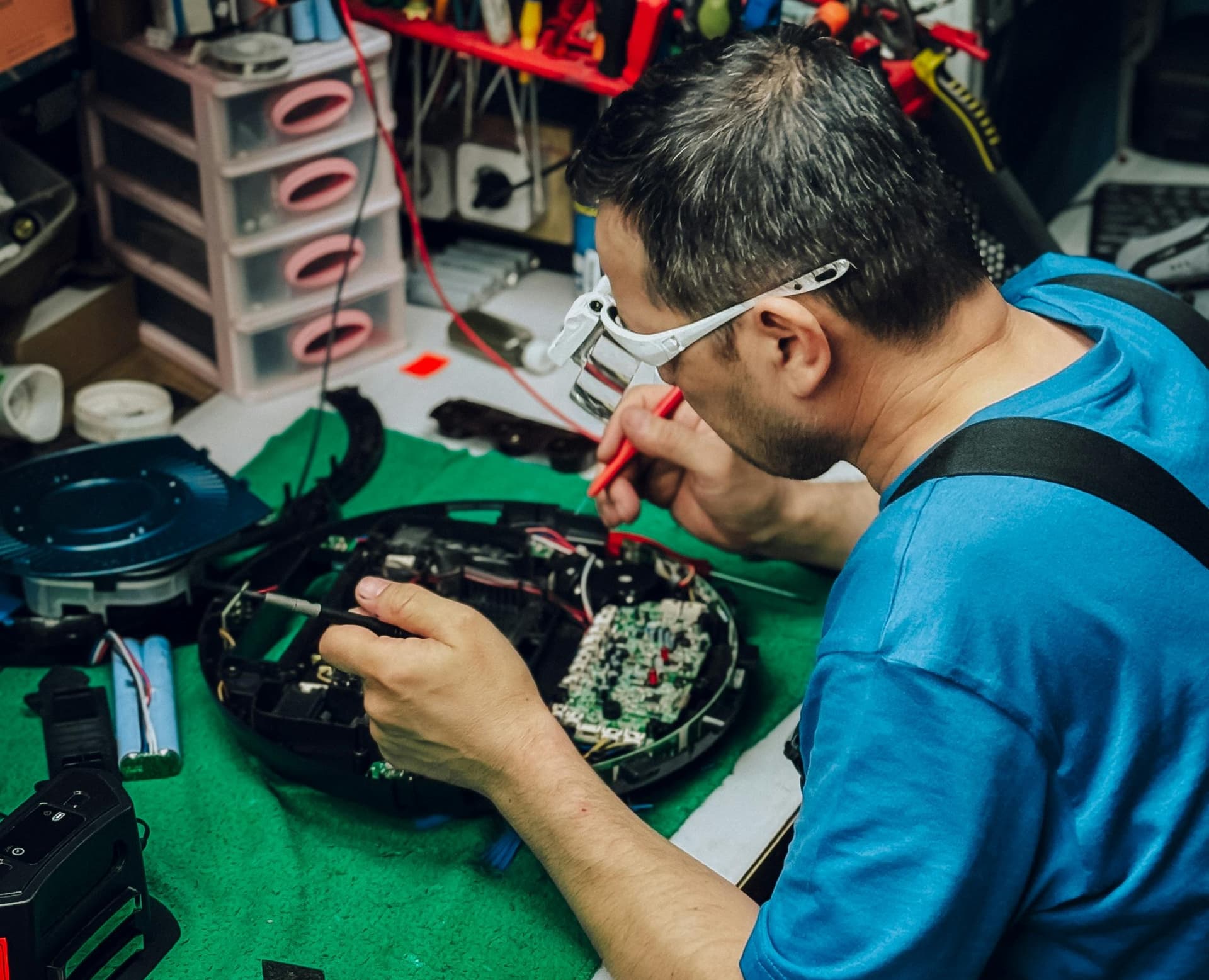
The DIY boundary is clear. At home your part ends at cutting the power, removing the battery (if it's removable) and not switching the device on. Opening the board, cleaning corrosion, ultrasonic washing, controlled drying and battery assessment are bench work with the right tools. Trying to do it at the kitchen table usually does more harm than good.
When to Bring It In (and What Not to Do First) — Decision Table
For most water-damaged devices the right move is simple: disconnect, don't power on, and bring it in undried. The time spent on rice and a hair dryer is a shame, because it usually only makes things worse.
Swipe to see the full table
We clean and restore water-damaged devices — TVs, robot vacuums, audio gear, microwaves and other large appliances at our service centre. We run a fast diagnostic at our service centre — before an inspection no one, ourselves included, can honestly say whether a device is saveable. If you'd like to understand why moisture in Riga destroys electronics so aggressively, our article on the Baltic climate and electronics is useful, and on getting it here safely — how to transport electronics safely.
Repair path
Where to go next if this fault is repairable
Related SATER service, brand and fault pages help you understand the repair route and get the device into the right diagnostic flow.
Frequently Asked Questions
Need professional repair?
SATER service centre — Silmaču iela 6, Riga
SATER service — home electronics & appliance repair in Riga